

EXTERNAL error
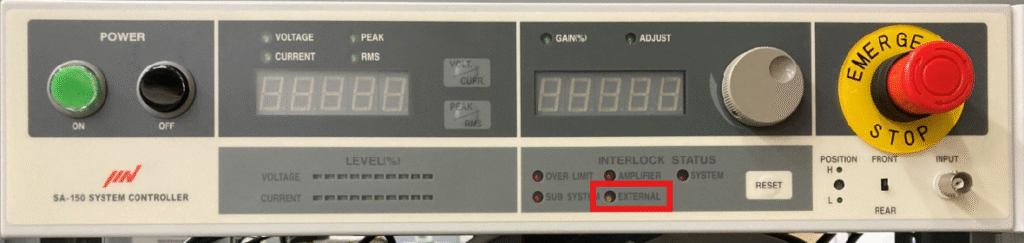
An illuminated “EXTERNAL” indicator shows that an external stop input (such as an emergency stop circuit or an interlock signal) has been detected.
Note: For the SA-170 model, a message such as “External Error 1” will appear on the LCD screen.
Reset Procedure
- Check that the external interlock wiring, emergency stop switches, and connected equipment (including signal lines) are not in a stopped or active/triggered state.
- Physically clear (reset) the interlock input condition, then press the “RESET” button on the front panel of the power amplifier.
Main Causes of the “EXTERNAL” Indicator Lighting Up
- Activation of an external emergency stop button or emergency stop circuit
- Error signal input when interlocked with an environmental test chamber (temperature/humidity chamber)
- Incorrect position or signal status of the V-H selector switch (Vertical/Horizontal switch)
- Transmission of an abort signal (test interruption/abnormal stop) from the vibration controller (K2)